Executive Summary
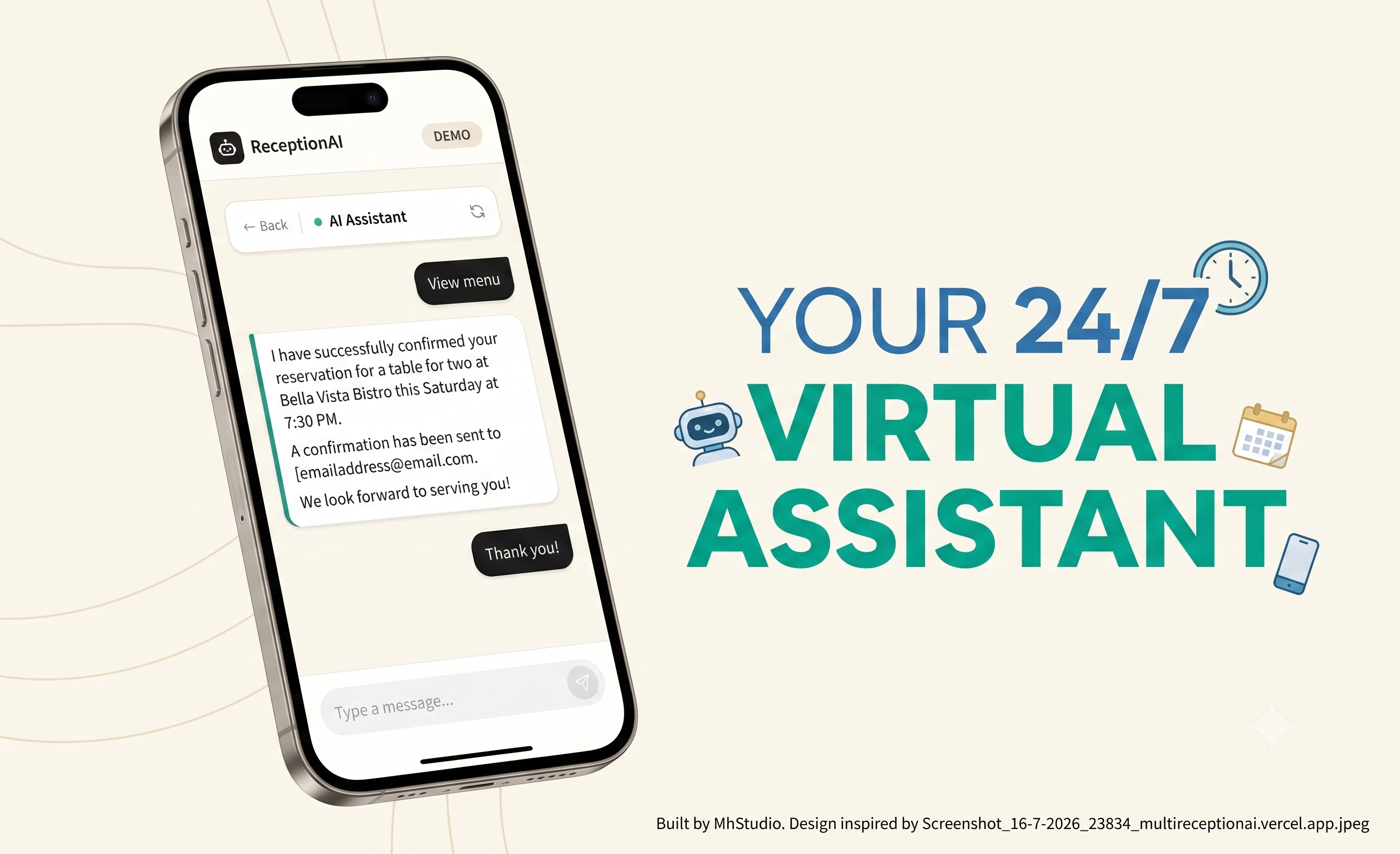
ReceptionAI is a productized AI receptionist demo designed to feel like a staffed front desk rather than a generic chatbot. The experience lets a visitor choose a vertical, start a conversation, and interact with a business-specific persona that responds in a grounded, service-oriented way.
The key idea was not simply to generate responses. It was to make each conversation operationally useful. Behind the chat UI, the system streams model output in real time, captures structured lead information, and exposes those insights in a live admin-style view so the interaction produces business value as well as user delight.
The Product Problem
Most chatbot demos are shallow. They answer questions, but they do not understand industry context, booking intent, or how a conversation should become a usable business record. I wanted this project to solve a more realistic front-desk problem: handle intake differently depending on the business, keep the conversation on track, and preserve the important details automatically.
- Context switching: The same interface needed to support restaurants, salons, dental clinics, and gyms without feeling templated.
- Lead capture: The system had to extract names, contact details, requests, and timing into a structured lead record.
- Conversation quality: The assistant needed strong guardrails so it could stay helpful, ask one question at a time, and avoid over-asking.
- Operational visibility: The business owner view needed to show what the AI already captured, not just the raw transcript.
System Architecture
The stack is intentionally straightforward and production-minded. The frontend is built with React 18, TypeScript, Vite, Tailwind CSS, and Zustand for state. The backend uses Node.js, Express, MongoDB, Mongoose, and Google Gemini for generation.
Conversation flow starts when the user selects a business type. That creates a conversation session on the backend, returns the active persona config, and then streams responses back over Server-Sent Events. Streaming matters here because it gives the demo a live, responsive feel instead of forcing users to wait for a full response before anything appears on screen.
Why this architecture works
It keeps the conversation state, the AI response stream, and the business-insight layer separate. That makes the demo easier to extend, easier to reason about, and much closer to how a real appointment or lead generation workflow would be built in production.
Persona Design And Guardrails
Each vertical is powered by a persona registry in the backend, with a shared universal rule set and domain-specific instructions layered on top. That registry lets the app switch behavior cleanly between the restaurant, salon, dental, and gym experiences without hardcoding one-off logic into the UI.
The universal instructions keep the assistant grounded: stay in character, ask one question at a time, handle interruptions naturally, and avoid inventing details that are not present in the business configuration. The dental persona is especially strict, because it refuses diagnosis or treatment advice and routes urgent cases back to the clinic directly.
Design principle
The assistant should feel like a capable front-desk employee, not a prompt playground. That framing changes the tone, the pacing, and the product expectations in a very useful way.
Lead Extraction And Business Intelligence
After each assistant response, the backend runs a separate extraction step that converts the conversation into a structured lead record. That record is stored in MongoDB and updated carefully so new information is added without overwriting existing details with guesses.
The extraction service looks for fields like name, phone, email, requested service, preferred date and time, intent, sentiment, a summary sentence, and the next best action. That gives the project a realistic business angle: it does not just chat, it produces a clean handoff artifact for the owner or staff member.
- Streaming UI: The user sees the response arrive progressively via SSE.
- Conversation persistence: Chat history is stored so the assistant can continue with context.
- Lead context injection: Existing captured fields are fed back into the prompt so the assistant does not re-ask what it already knows.
- Admin visibility: The lead panel turns extracted values into a readable business summary.
User Experience Decisions
The interface is built to reduce friction quickly. A user picks a vertical, gets a tailored first message, and can use quick replies to move the conversation forward. On the business side, the live insights panel shows exactly what the assistant has captured so far, which makes the demo much easier to understand during a portfolio review or client walkthrough.
I also paid attention to the feeling of the demo. The goal was to make it look and behave like a real product: clear hierarchy, lightweight transitions, visible state, and enough polish that the AI is supporting the experience instead of dominating it.
Outcome
ReceptionAI demonstrates how a small, focused AI product can be turned into something that feels commercially credible. It combines live streaming, structured extraction, domain-specific behavior, and an insight layer into a single experience that is easy to demo and easy to explain.
If I extend this further, the natural next steps would be multi-channel handoff, appointment calendar integrations, and richer business automations such as webhook delivery and CRM syncing. The foundation is already in place for those additions.